Maudette
claude plugin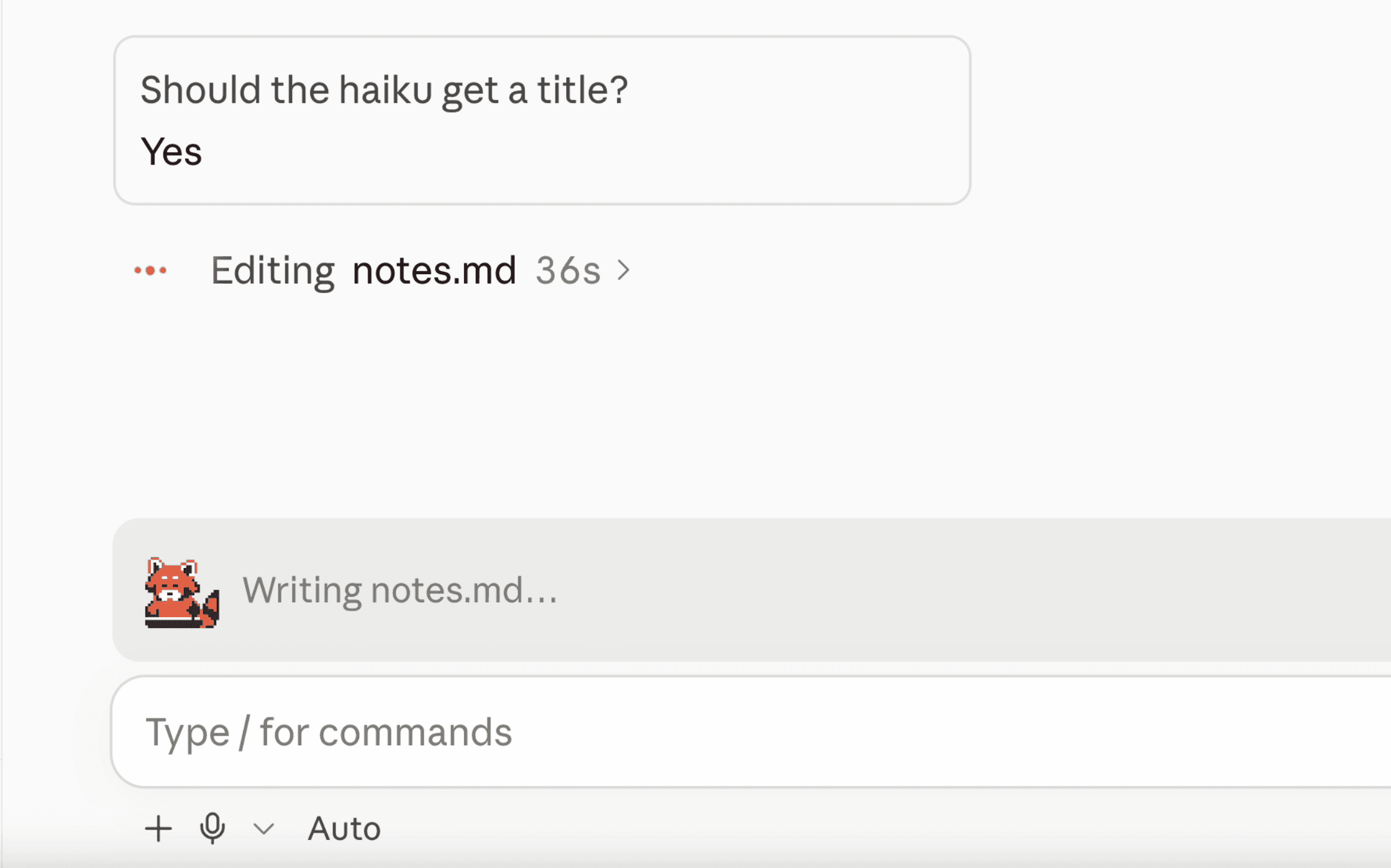
A plugin for Claude Code that renders a mascot that reacts to what the agent is doing: thinking, reading files, writing code, and running commands, with variations for the desktop app and as block characters in the terminal.
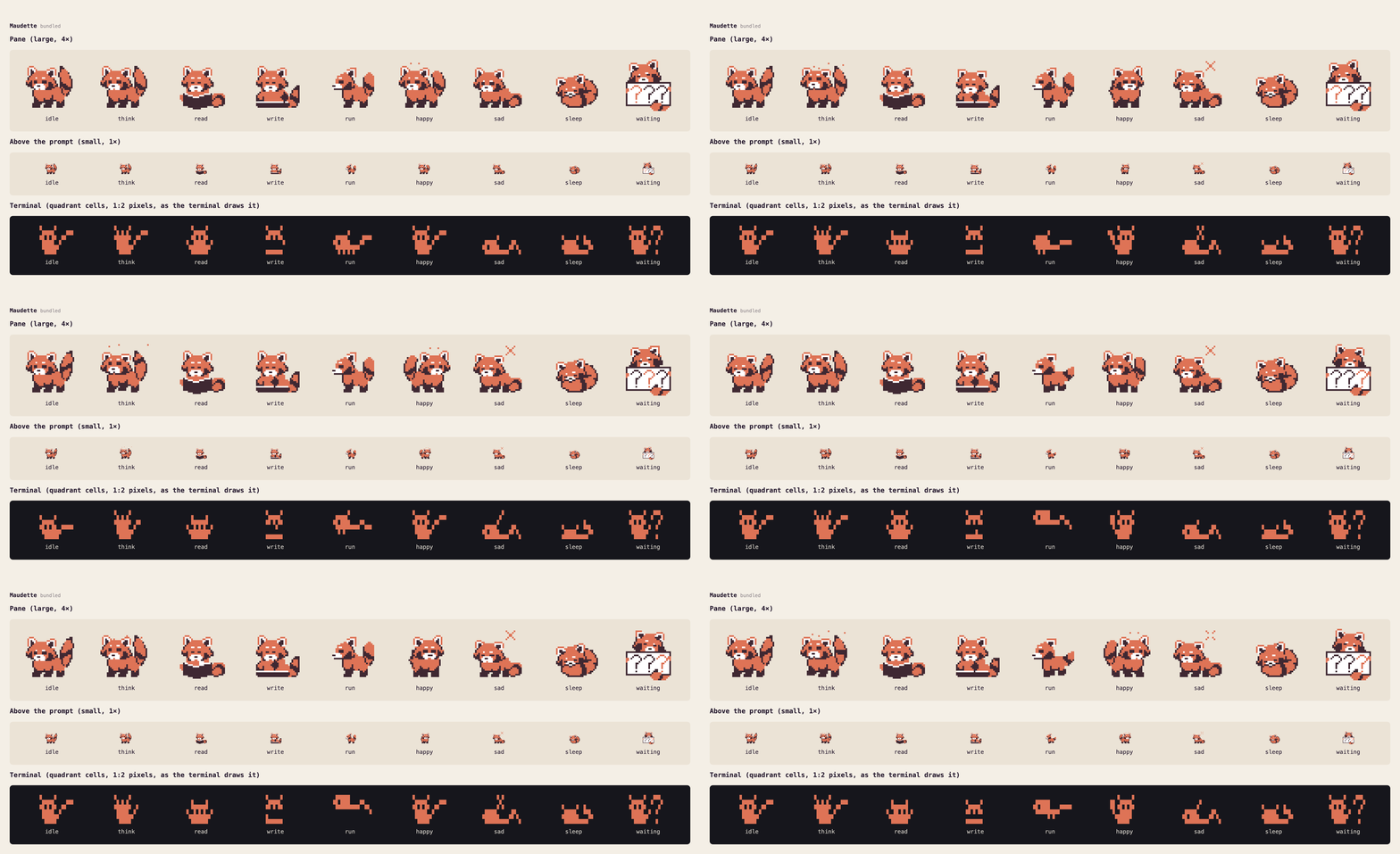 Maudette's animations across the three different environments.
Mood hooks
| Mood | When |
|---|---|
| Idle | Nothing's happening |
| Thinking | A turn starts, and between steps |
| Reading | Claude reads, searches or browses |
| Writing | Claude edits a file |
| Running | Claude runs a command |
| Happy | A turn finishes |
| Sad | Something fails |
| Waiting | Claude asks you a question, until you answer |
| Asleep | 5 minutes of quiet, start typing and they wake up |
Beside them, a short caption says what's happening: "Reading draw.ts…", "Running npm…", "Done!".
Other mascots
After designing Maudette, I asked Claude to design and generate a few other mascots from scratch:
- Orbit: a core and its satellites, every mood told by motion alone.
- Nimbus: a tiny sky whose weather follows the work, from sunshine to a thunderstorm to a night full of stars.
- Bonsai: a potted tree that sways, grows, gets watered, blossoms and wilts.
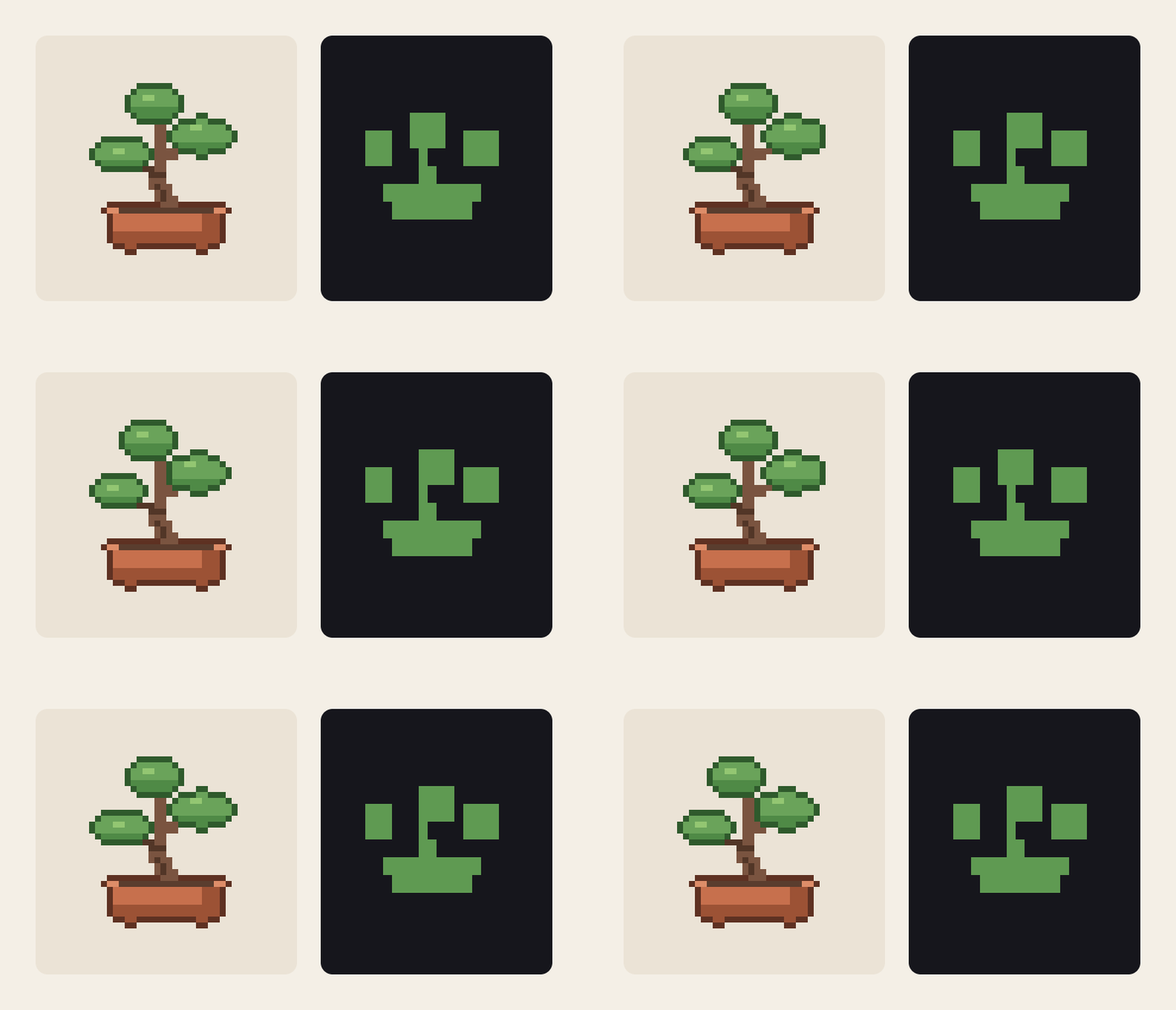 Bonsai example.
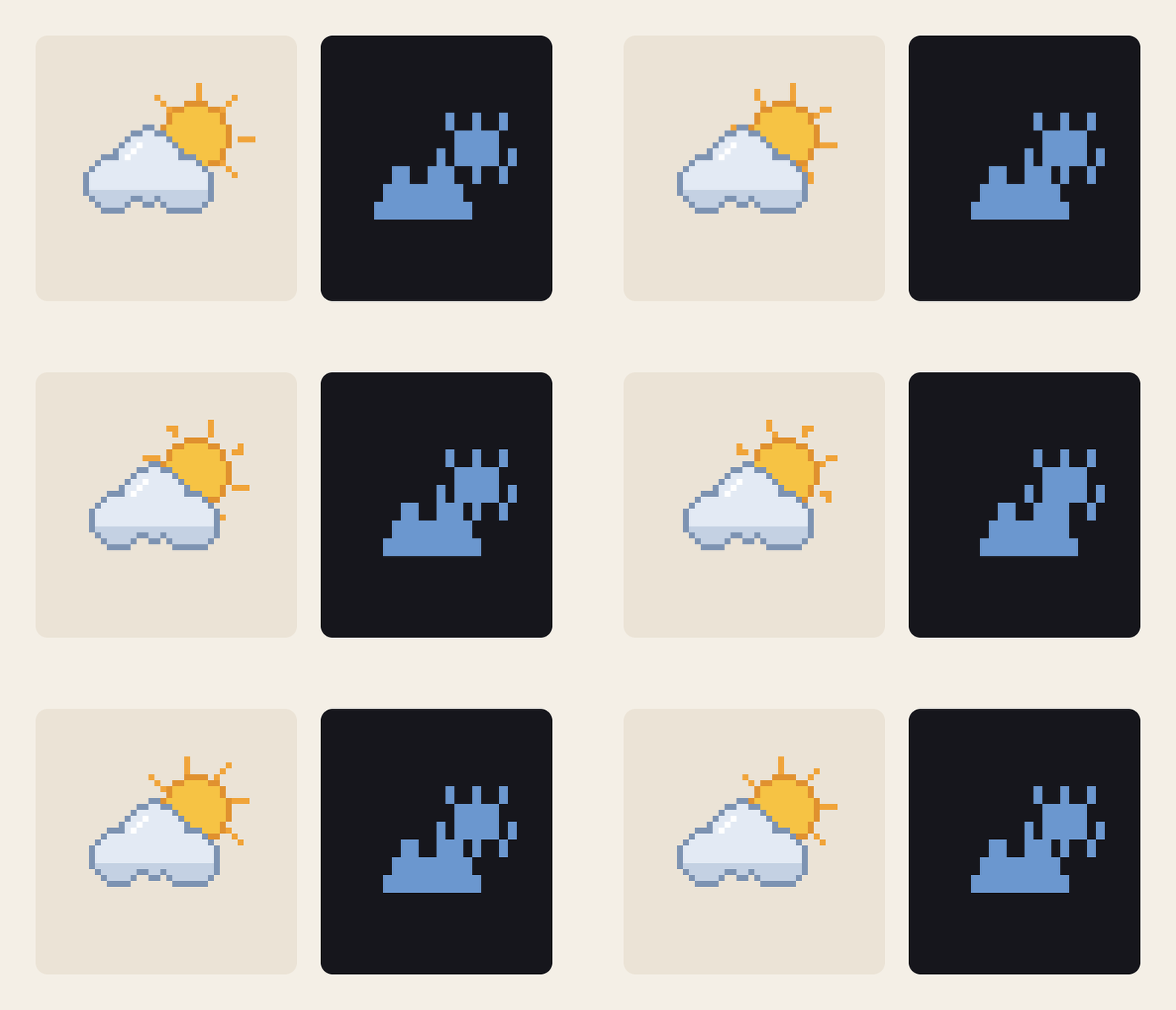 Nimbus example.
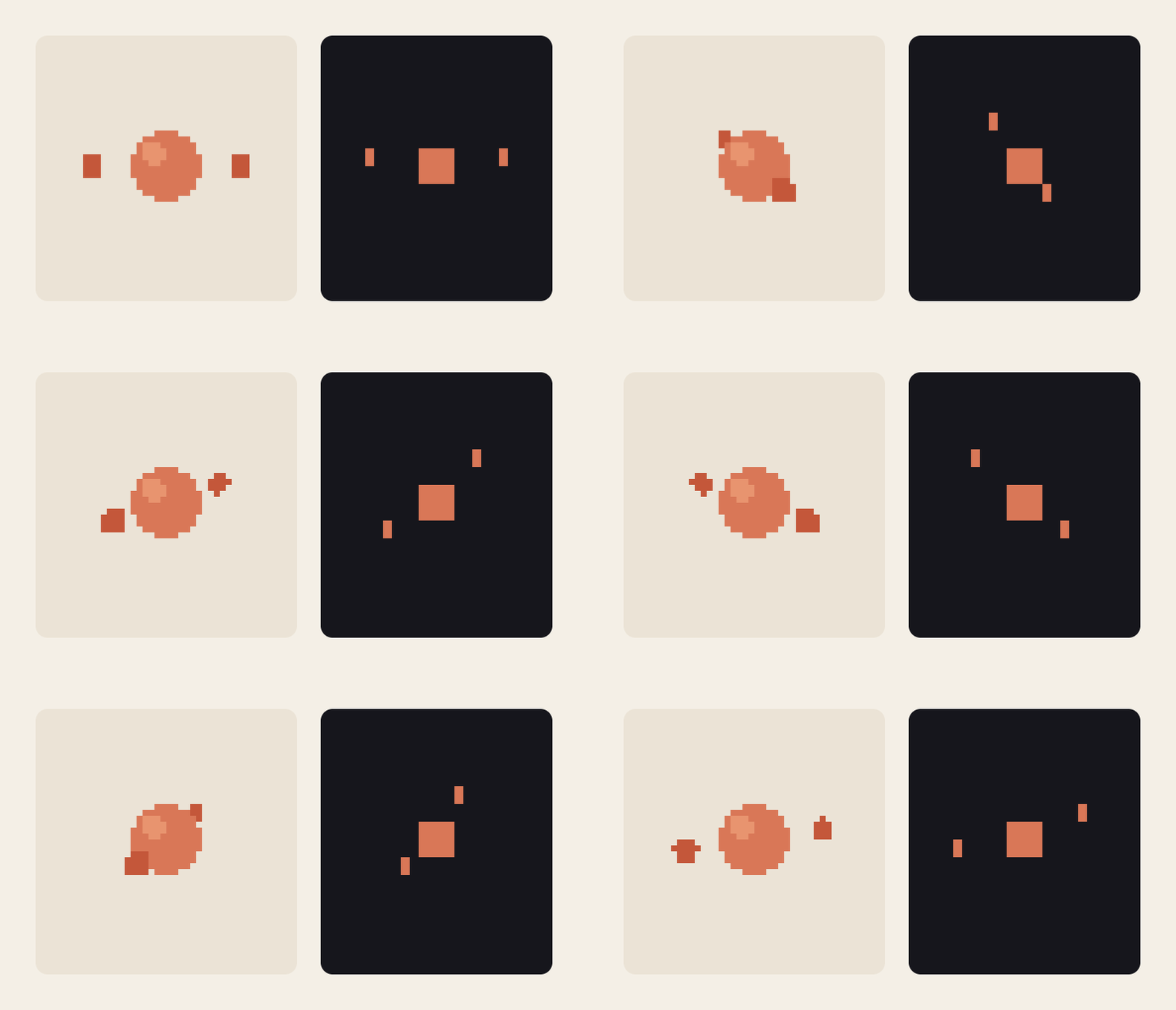 Orbit example.
Make your own
This project was designed as a framework so other people could design their own characters and have them instantly hook into Claude's lifecycle functions. A mascot is a set of animations, one per mood. There's tool to export from Aseprite, or you can use any software to create PNG sprite sheets, compiled into a single .mascot.json file.
Where they work
- Claude Code desktop app (the Code tab): above the prompt, and in the
/maudettepane. This is where they render most consistently since it's drawn as crisp SVGs. - Terminals: iTerm2, Ghostty, kitty, WezTerm, Hyper, and VS Code's integrated terminal. In a very short window the mascot steps aside and shows just their caption.
Not supported yet
- The VS Code extension's chat panel, which doesn't draw plugin UI. Run
claudein VS Code's integrated terminal instead. - The Claude mobile app, which doesn't draw plugin UI either: a session you follow from your phone still has them on your computer, but not on the phone.
- macOS Terminal, which draws the block characters they're made of with gaps, so they come out garbled. Use one of the terminals above.
Requires Claude Code 2.1.286 or newer.
Read full explanation with guides on creating and contributing on the repo page: https://github.com/han-sen/maudette/tree/main